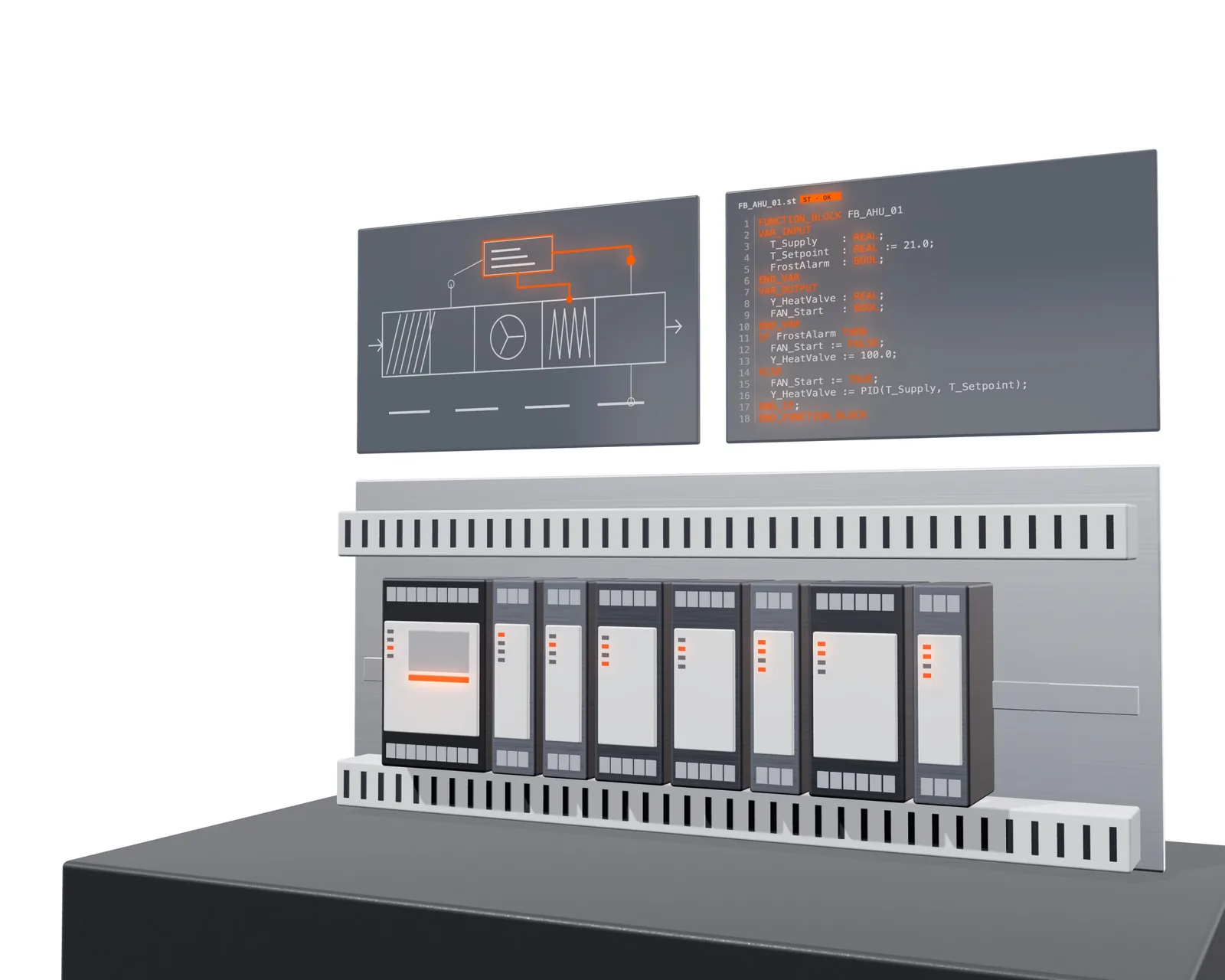
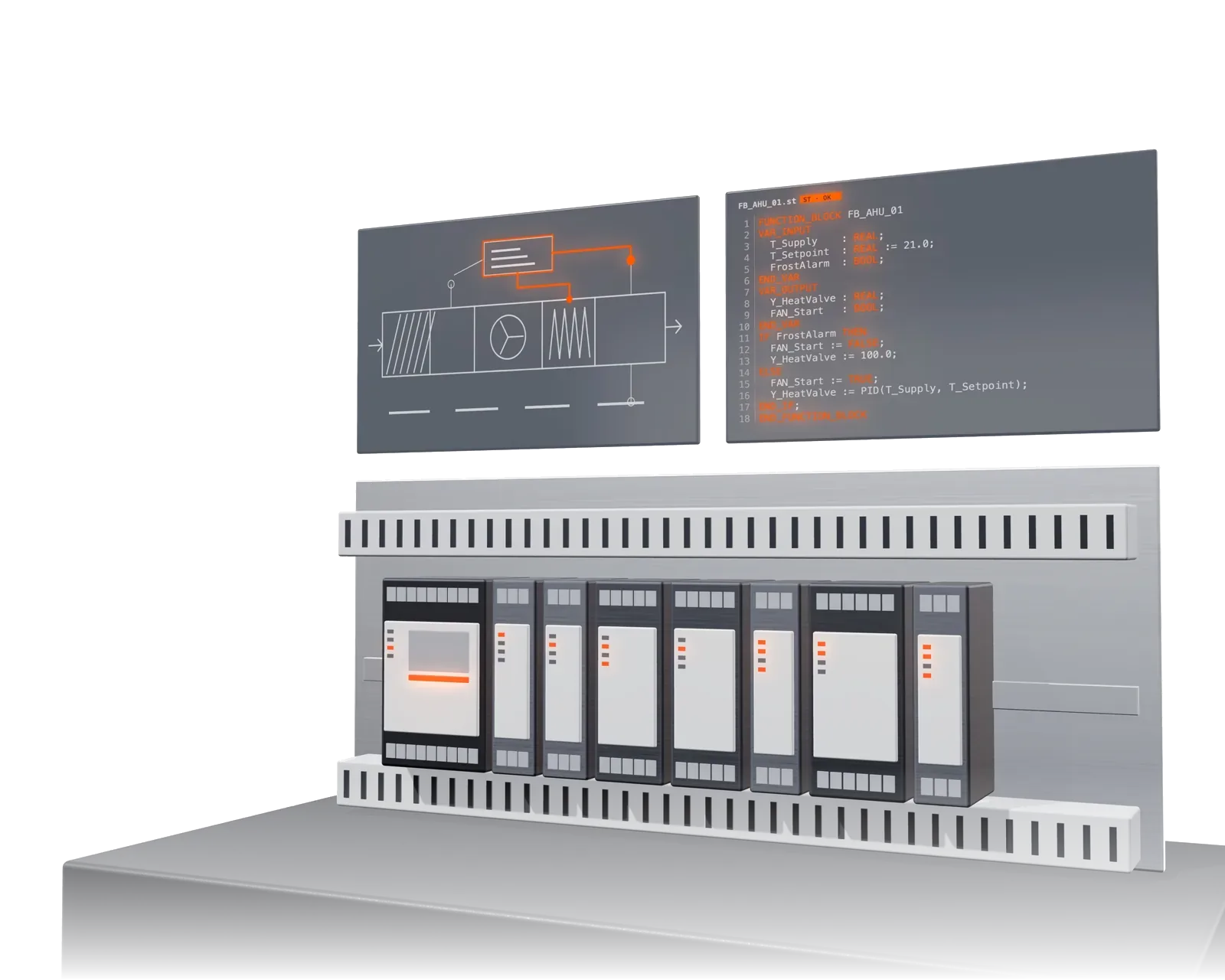
Much shorter programming
Code comes from templates and verified libraries, not from scratch. The engineer checks and approves.
From the documents, AI draws control panel schematics, programs the PLC and builds a complete, working BMS connected to the generated software. Everything comes from one technical description of the equipment, signals carry the same tags from drawing to visualisation, and after a design change everything is regenerated without manual redrawing.
Code comes from templates and verified libraries, not from scratch. The engineer checks and approves.
Points, tags and sequences are checked before start-up, not during it.
New document, new generation. Drawings, code and diagrams stay consistent.
You describe the equipment once. From that description come the software, the panel drawing and the technology diagram with the same tags.
AI creates the PLC program from the technology description of the equipment: code to the IEC 61131-3 standard (Structured Text), e.g. for CoDeSys, for air-handling units and other systems. Control functions, control loops, fault states and points for the supervisory system are assembled from verified libraries. Deterministic functions, engineer approval before deployment.
More about PLC Software →AI draws the control panel from the documents: sheet drawings, power supply, I/O, network, panel door with switches and indicator lights. Drawing check, bill of materials and price from manufacturer price lists. Designer comments during generation, large panels in continuation rounds.
More about FluxPlan →AI draws technology diagrams of boiler rooms, heat substations, heating and cooling distribution, chillers and HVAC from the design documentation, animates them and connects them to the PLC. The same diagrams with live data form the Capitanier BMS screens.
More about TechSchema →From the register or from the documents: equipment, parameters, control requirements.
Panels in FluxPlan, PLC code from libraries, diagrams in TechSchema. Same tags everywhere.
Unlock, comment, approve sheets. Every change is logged.
PDF and SVG drawings, bill of materials, code ready to load into the PLC, diagrams for the BMS.
Upload an equipment list and generate your first panel.
Your card is verified, but you pay nothing for 7 days. Cancel anytime.