De-Engineering 03.2

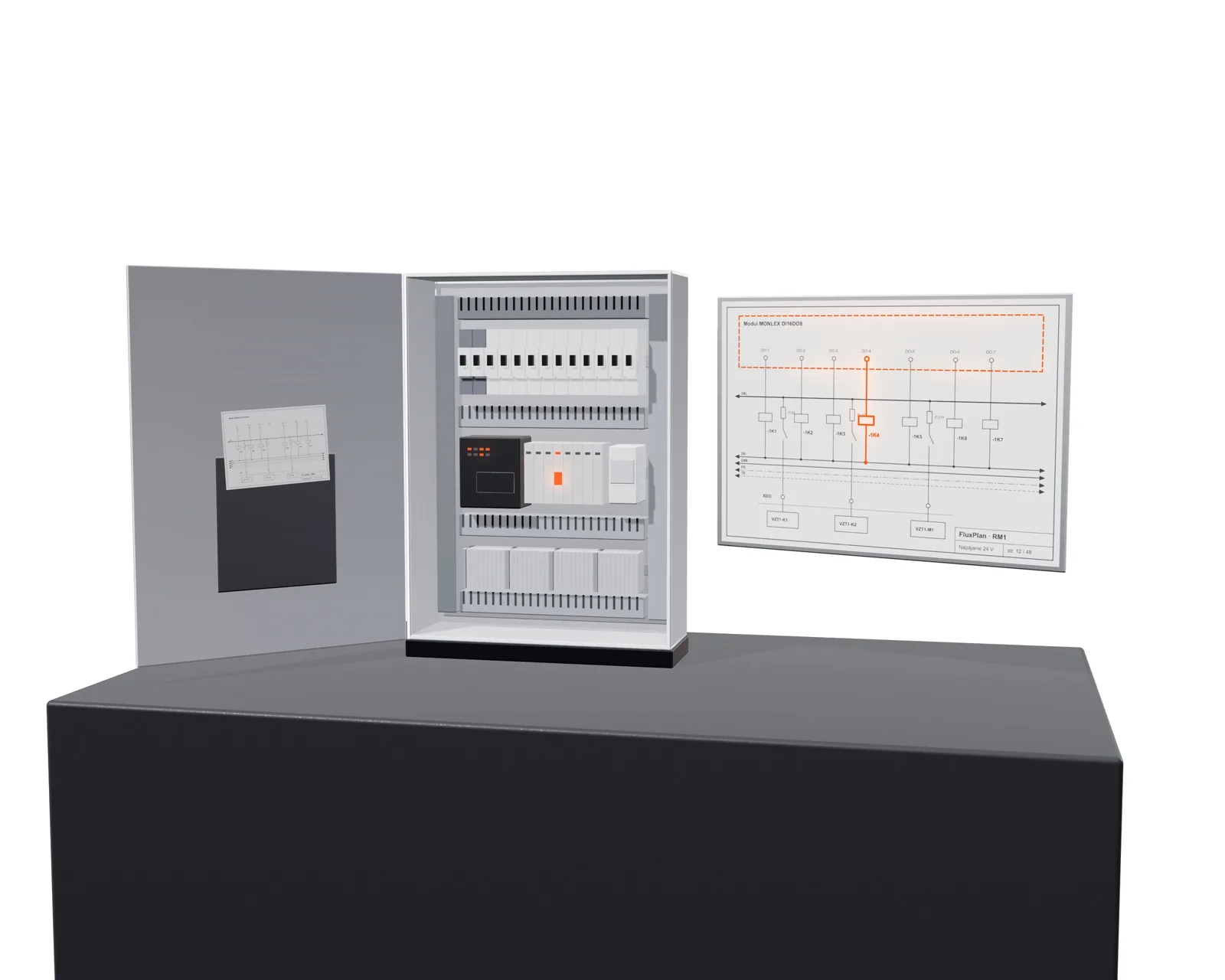
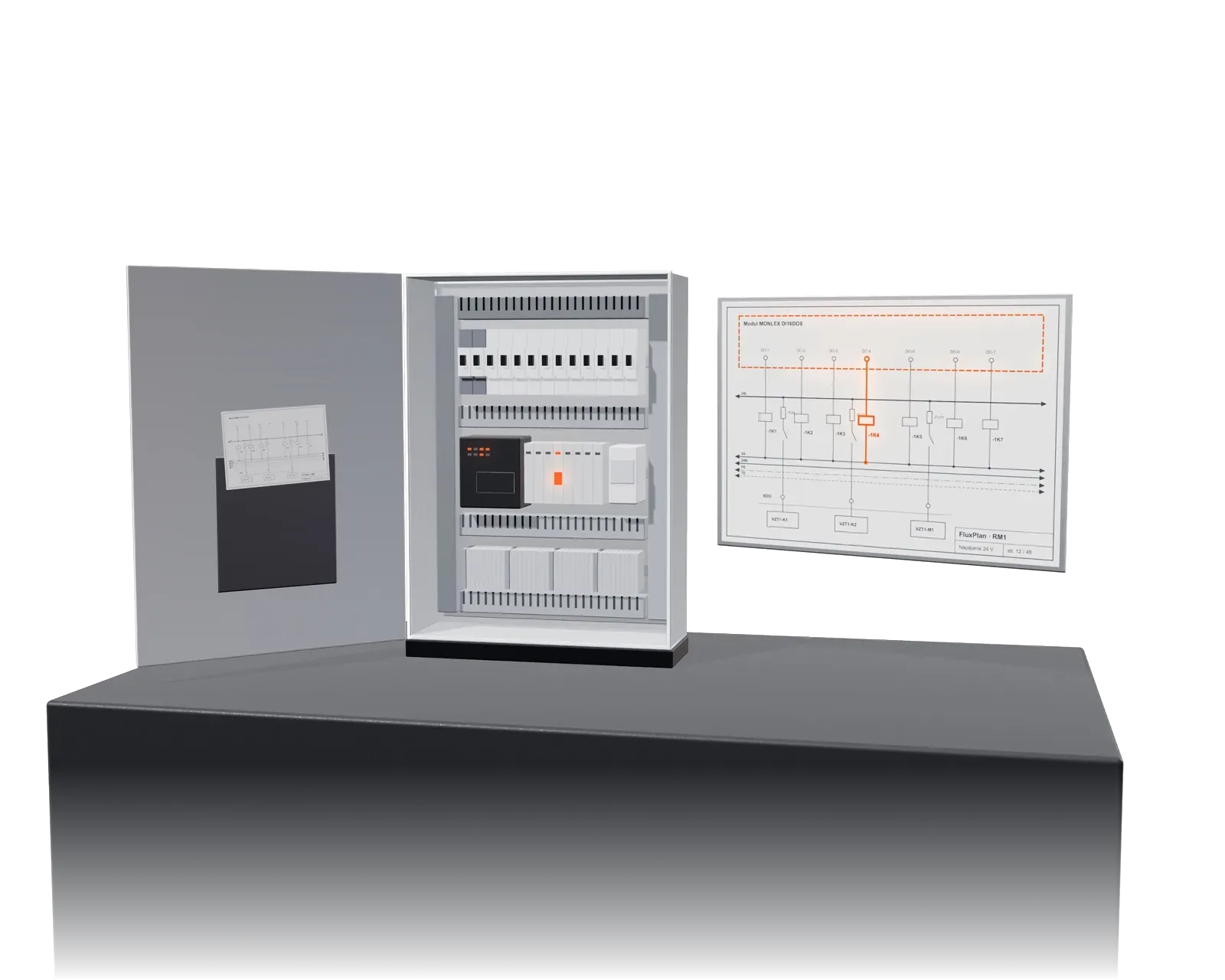
AI draws the control panel from the documents.

From the design documentation, FluxPlan builds the structure of the control panels and draws the drawings: power supply, I/O sheets, network, door with switches and indicator lights. The designer checks, comments on and approves the drawing. The bill of materials and price come from manufacturer price lists.

Who it is forControls designersPanel buildersIntegrators handling design changes
What you get

A result, not a list of features.

01

Drawings in hours, not weeks

The panel for an air-handling unit comes from the documents. The designer checks, not draws.

02

A unified drawing standard

Colours, potentials, relay contacts and doors according to the company standard, the same in every project.

03

Instant price

The bill of materials and price from manufacturer price lists are part of the output, not a separate job.

What AI creates

What exactly it does.

  • The panel structure from the documents: which devices belong to which panel, how many I/O, what power supply.
  • Sheet drawings: 230/400 V power supply, 24 V DC, I/O sheets, network and communication, fire alarm and TOTAL STOP, panel door.
  • The same signal tags as in the PLC program and in TechSchema.
  • Drawing check: unlock, comment, approve sheets individually or all at once. The agent incorporates the comments.
  • Bill of materials and price from manufacturer price lists, with price list format recognition.
  • Large panels in continuation rounds, a revision run with annotations, expert panel check.
How it is carried out

Four steps, no surprises.

Documents

Equipment list, technical reports, diagrams. Document analysis flags what is missing.

Structure

AI proposes the panels and their contents. The designer adjusts and confirms.

Drawing and check

AI draws the sheets; the designer checks and approves. The agent incorporates comments.

Output

PDF and SVG drawings, priced bill of materials, basis for manufacturing and for the PLC program.
Example from a real project

This is what it looks like in practice.

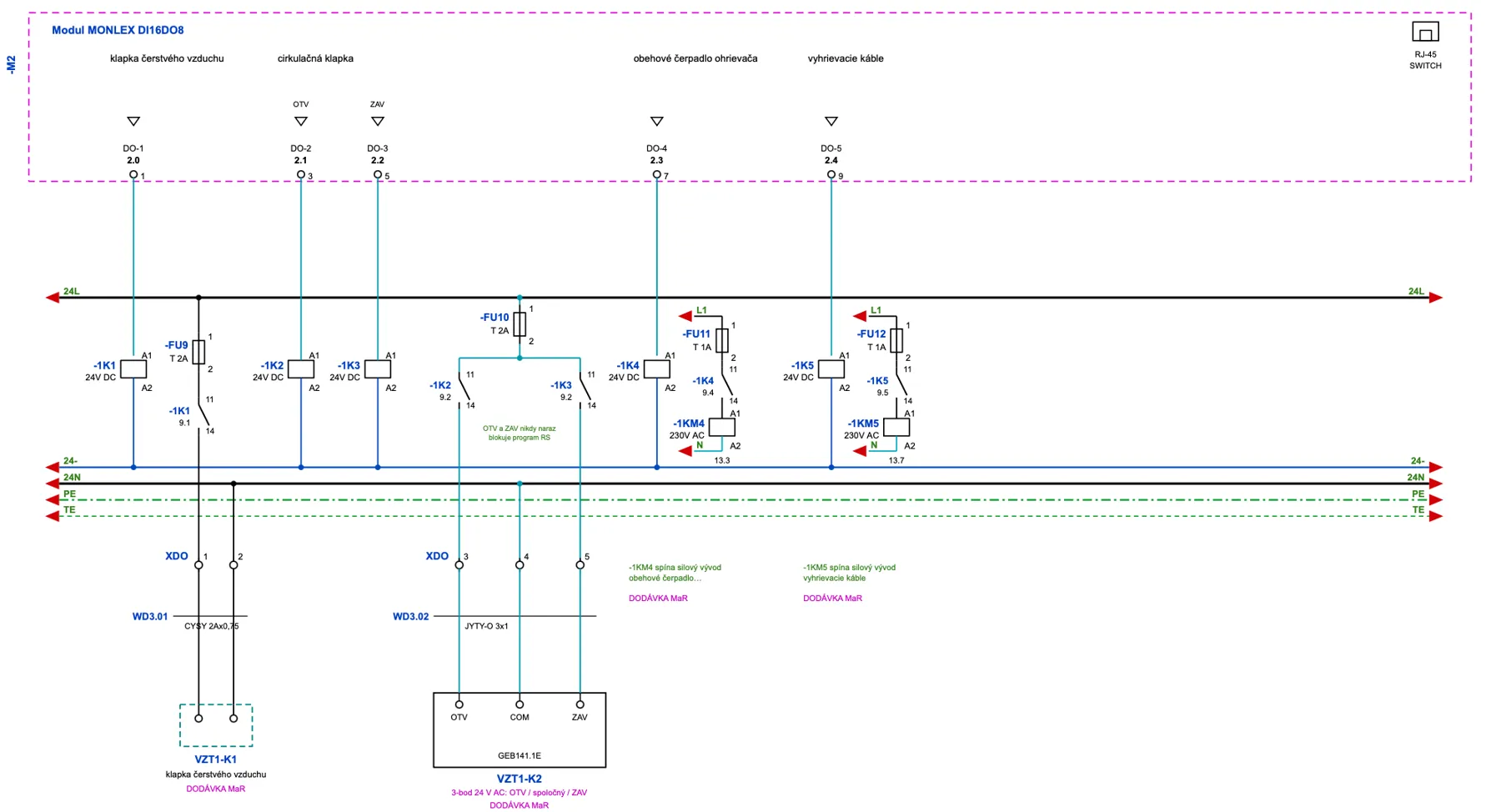
Digital output sheet: dampers, 3-point actuator, pump and heating cables with OPEN/CLOSE interlock.
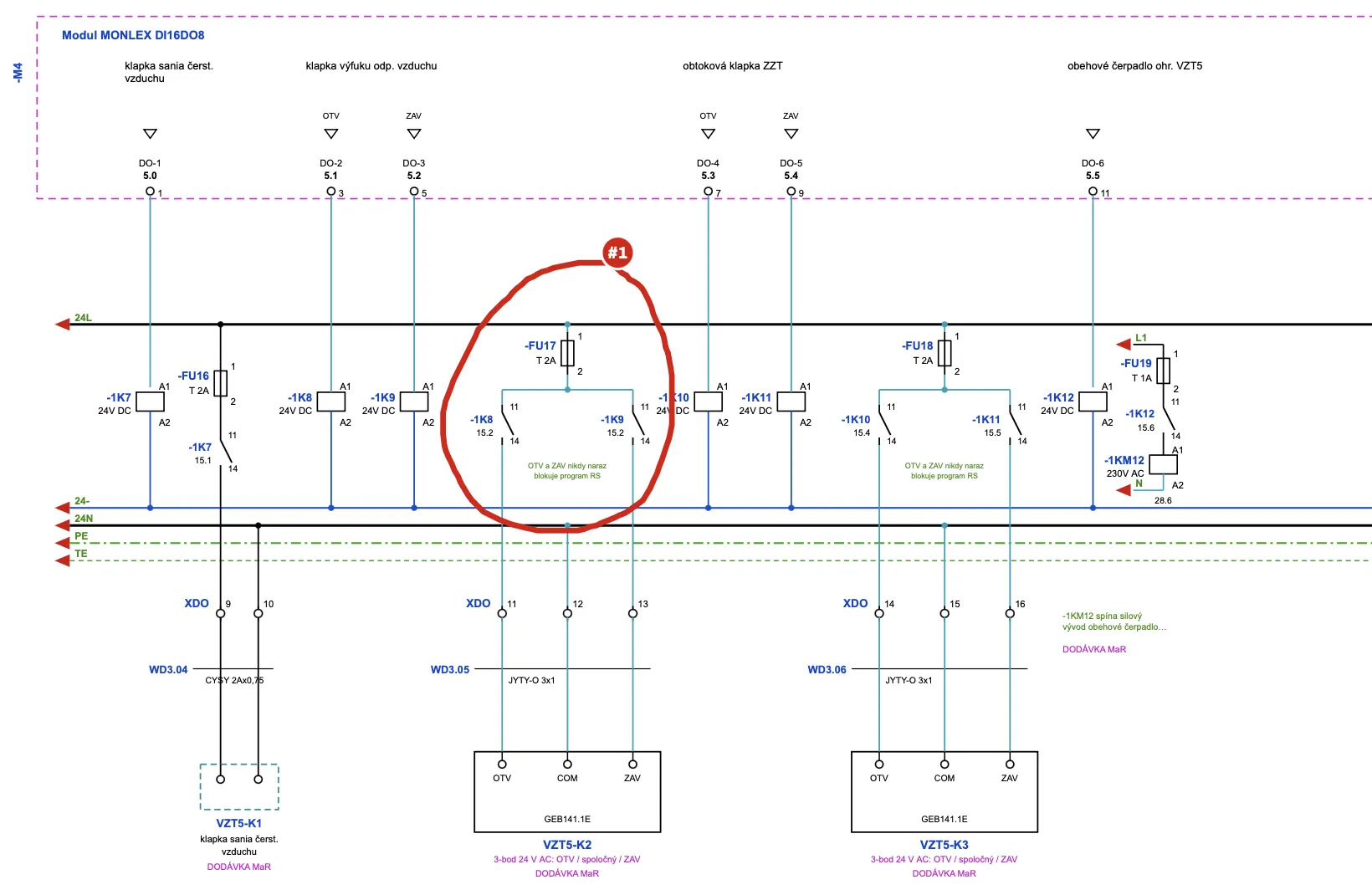
A second panel in the same standard, with the designer's comment incorporated by the agent.
Frequently asked questions

The most frequent questions.

Does FluxPlan draw to our standard?+
Yes. The block library and drawing rules (colours, potentials, doors) are set according to the company standard.
In which format are the drawings?+
PDF and SVG per sheet, bill of materials in XLSX.
What if the design changes?+
You upload the new document; FluxPlan regenerates the affected sheets and shows the difference.
Next step

Try free for 7 days

Upload an equipment list and generate your first panel.